

I have been running a lot of test trains lately. The train switch lists were generated by the JMRI Ops software. Running trains alone makes me the engineer and conductor. Thus I’m juggling a throttle and clipboard and pen and uncoupling pick. The throttle is the most used of the 4 items and is usually never put down. I’ve been using my WiFi phone throttles mostly because I don’t want to tax my last Digitrax UT4. Unfortunately, two hands are needed most of the time with the phone throttle.
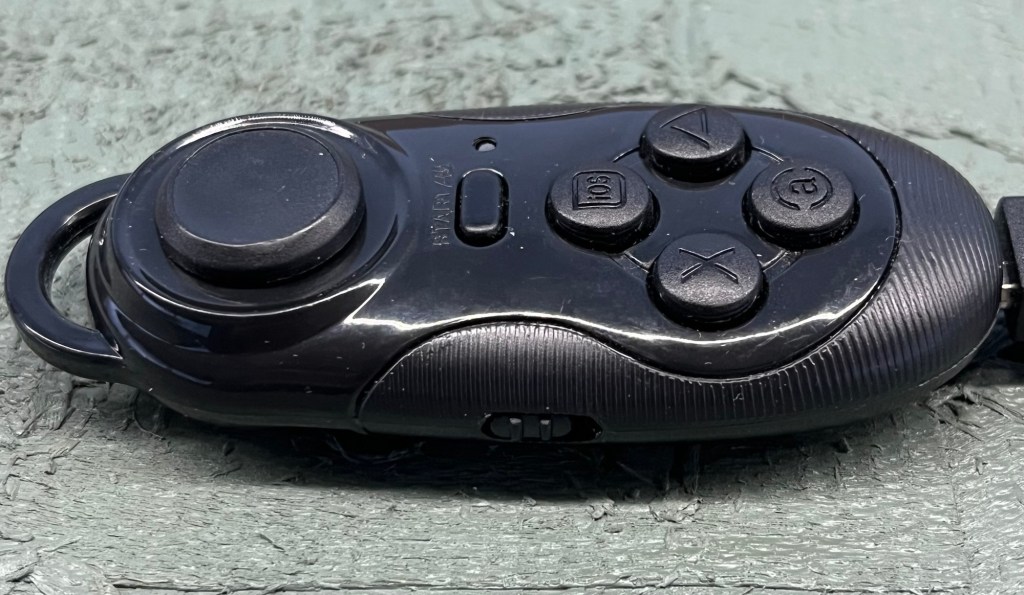
In mid 2018, I experimented briefly with mini Bluetooth gamepad controllers. When paired with a WiFi phone throttle, the controller controls the Engine Driver app loaded on the phone. The key fob sized device controls speed, direction, stop, bell and horn. Back in 2018, I had limited success on the old CWI with this setup. This was probably due to the many other WiFi devices connected to the railroad along with the amount of operators I had running at one time. I abandoned these devices back then and moved on.
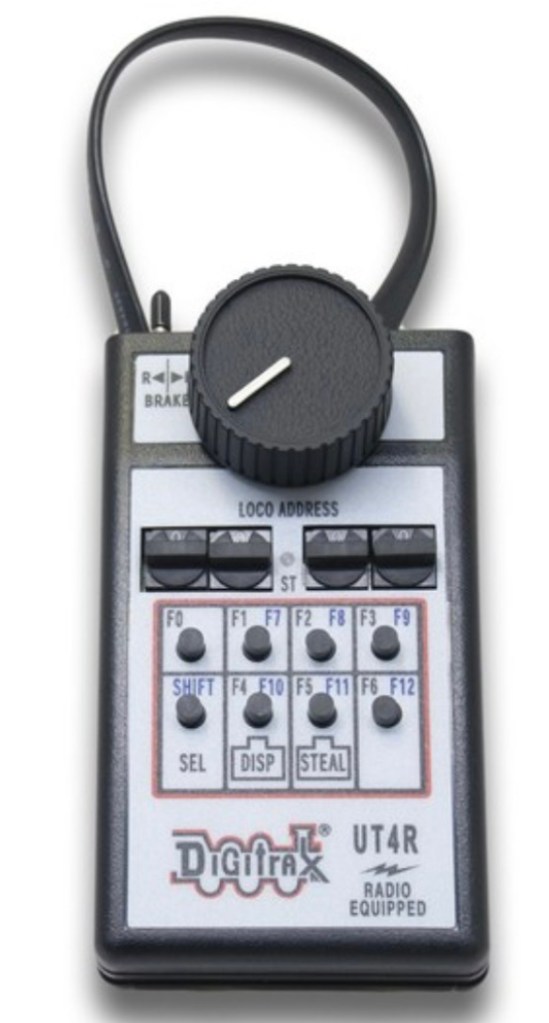
Lately, operating by myself, I found I needed a simpler throttle that acted like the UT4. The UT4 works well because you can operate it with one hand and not have to look at it when using. This is where the phone throttle falls short.
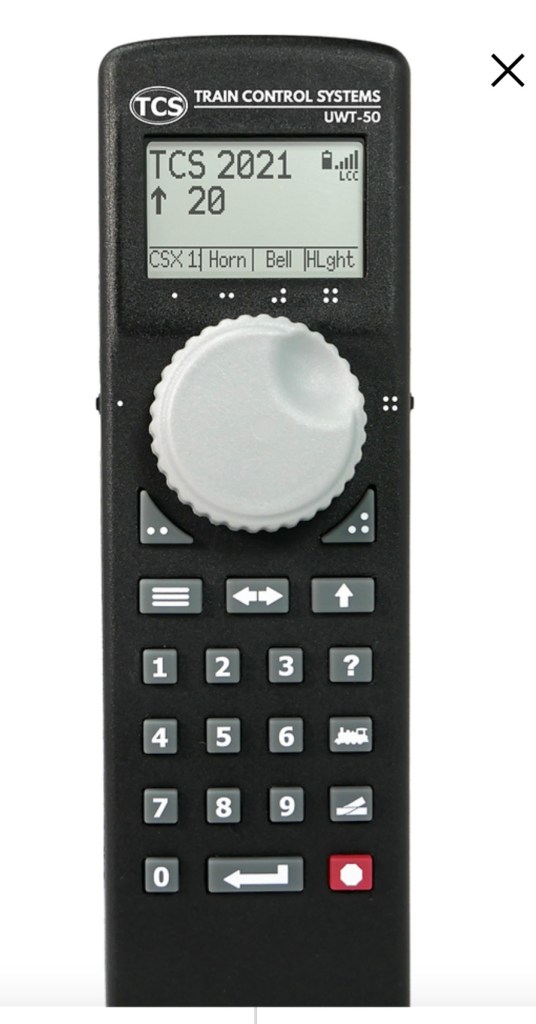
I looked into modern WiFi throttles that would do what I wanted and found the TCS UWT-50P. This throttle uses a potentiometer instead of and encoder, just like the UT4. It’s larger and had more features than the UT4. It’s also $229!! Nice but I’ll pass.
I inquired online about cheaper small throttles and was recommended to consider the gamepads. EUREKA! I’ve got them, they were cheap (like $5 each), I’ve got the phone throttle and app for it. After some searching I found the 4 gamepads and YouTubed again how to hook them up.
And guess what? I got them to work! The wrist strap keeps it handy yet I can let it go if I need 2 hands for something.
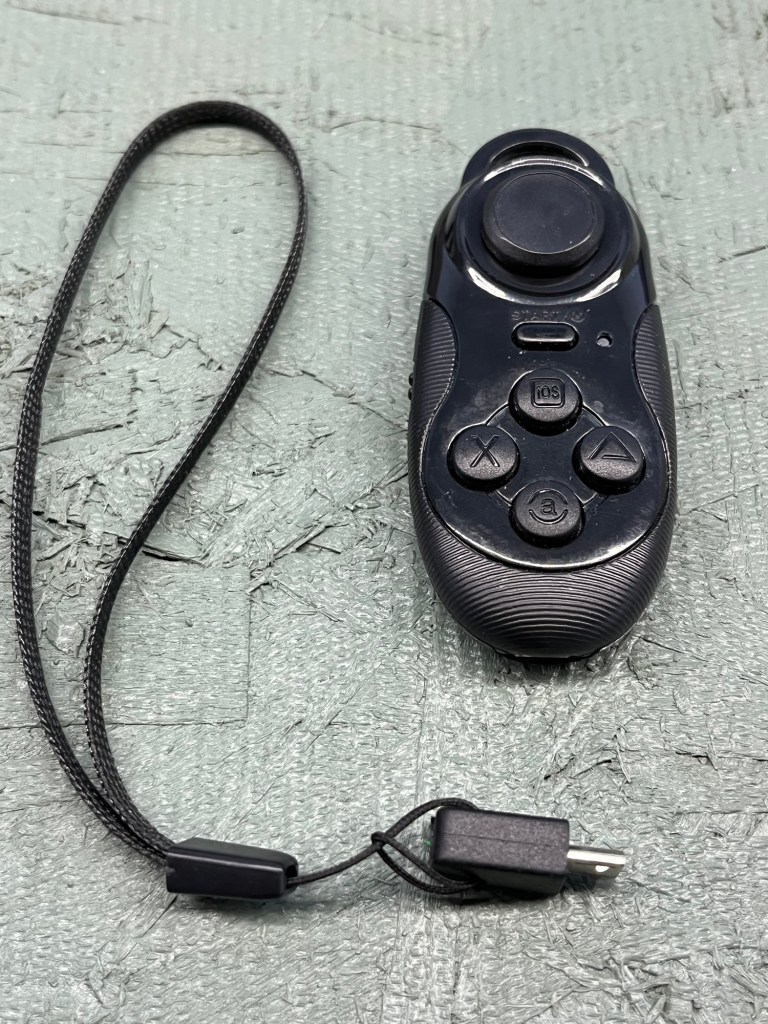
The gamepad is charged via USB and a standard Android type plug. The wrist strap is attached to a USB plug.
The gamepad has a round spring centering joystick that controls the speed. Push up, loco moves forward. Keep pushing up, loco moves faster. Let go, loco maintains speed. Push down, loco slows, stops and reverses. I have momentum and acceleration/deceleration programmed into the loco so all this happens slowly. I am only switching now so it works perfectly.
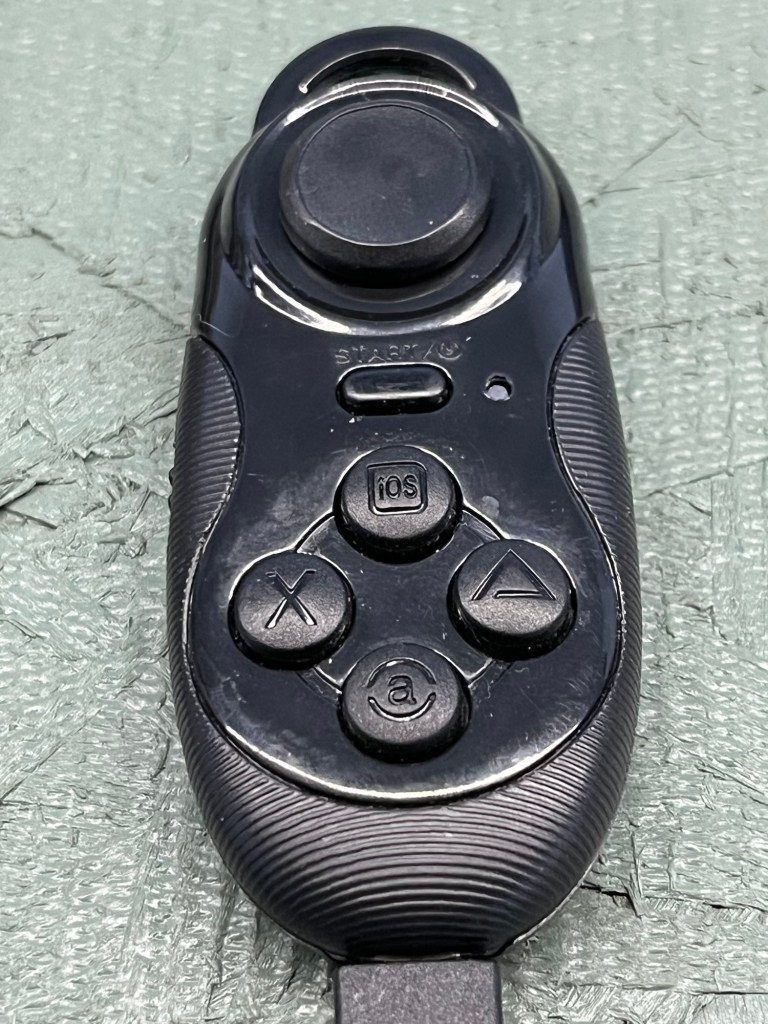
As seen above, there are 5 buttons. The recessed oblong button is on/off for the gamepad and not used. The top round button is the stop button. Push it and the loco glides to a stop. It is not an emergency brake. The right button is for the bell, the bottom button is for the horn and the left button is for the headlights.
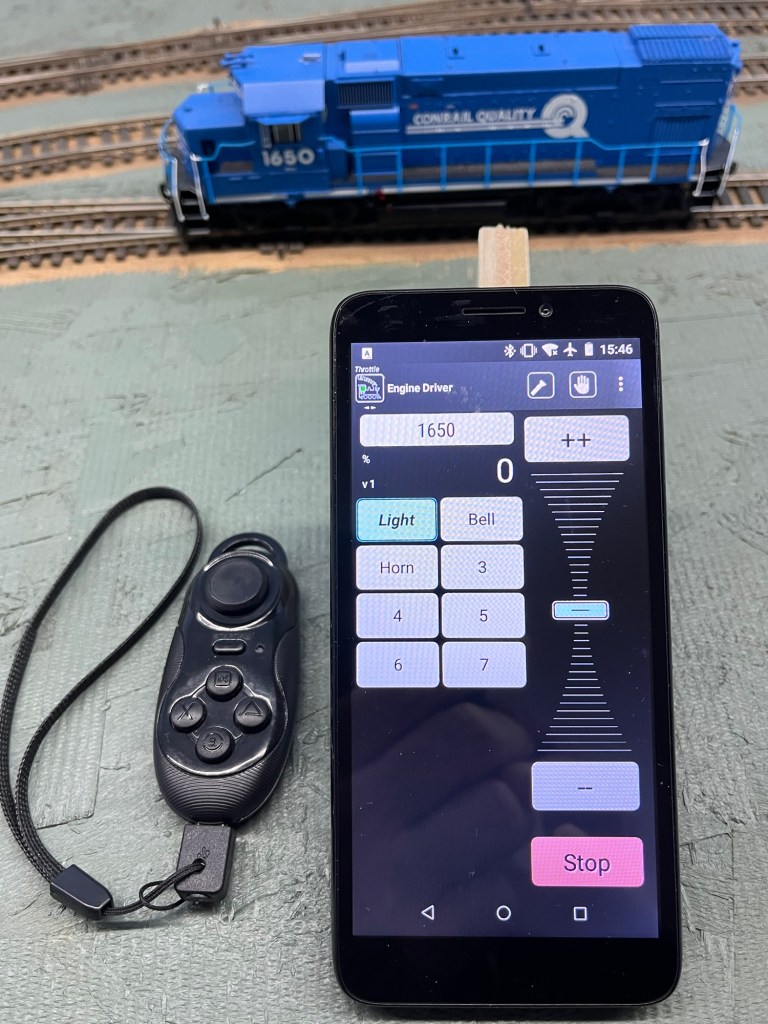
In the last few days, I’ve been running trains with this setup. The phone can be anywhere in the room and is just used to acquire the loco. The gamepad hangs on my left wrist (I’m right-handed). The trains I’ve run have taken up to an 1 hour and 15 minutes to complete and I never look at the gamepad. It’s all by feel. My left arm just hangs down and I use my right hand for everything else. It’s really quite simple.
 Rockville Western Railroad
Leave a comment